
Temperatura Monitor
Your Mac’s temperatures, live. On iPhone and iPad too.
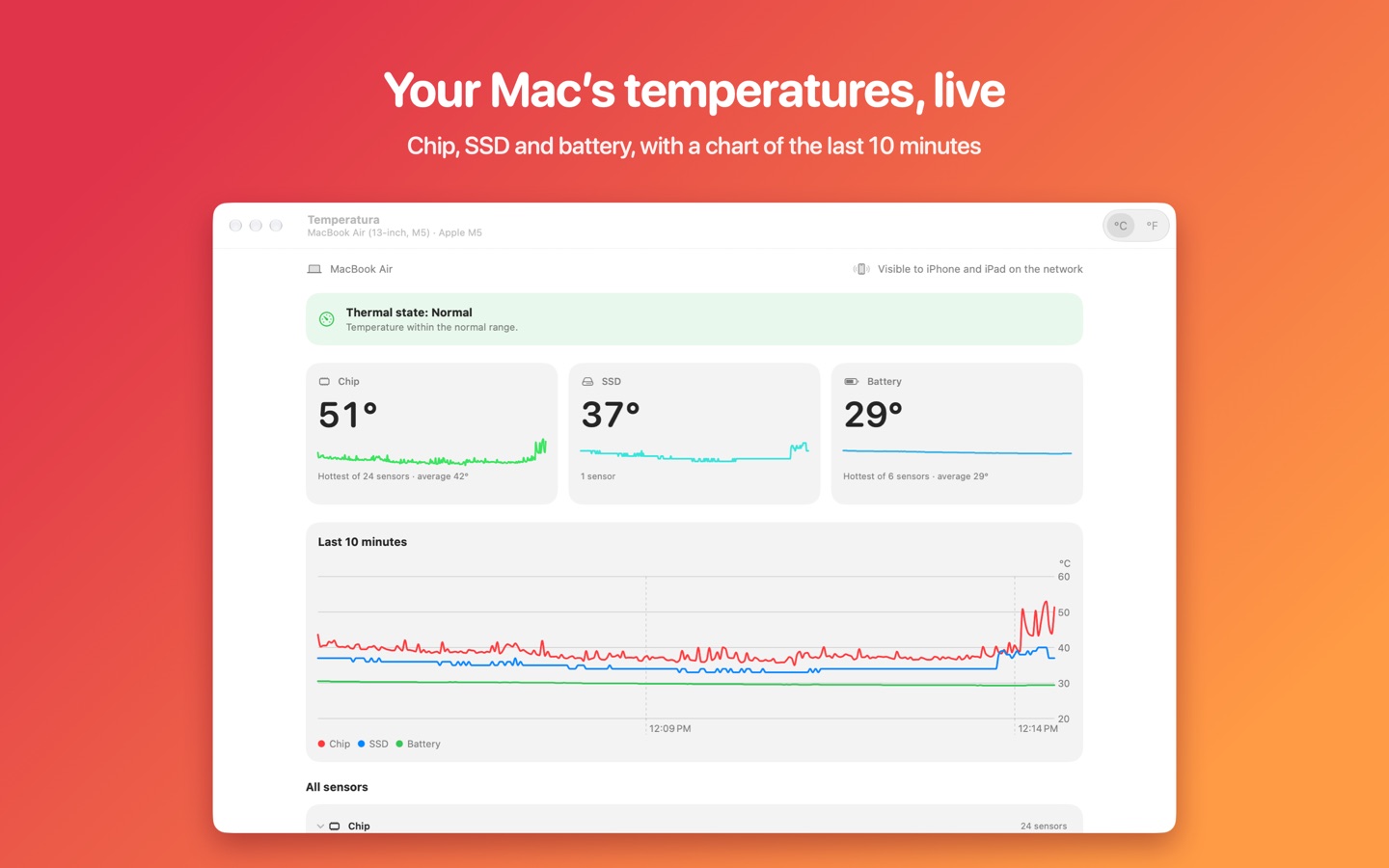
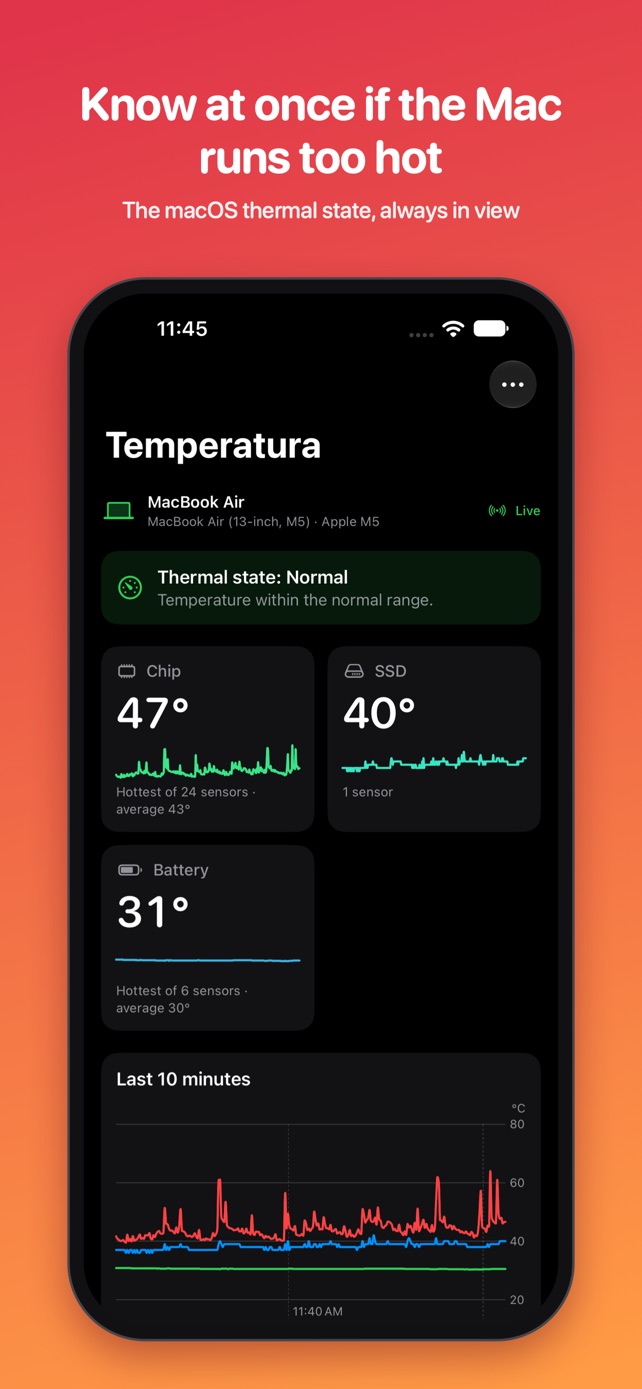
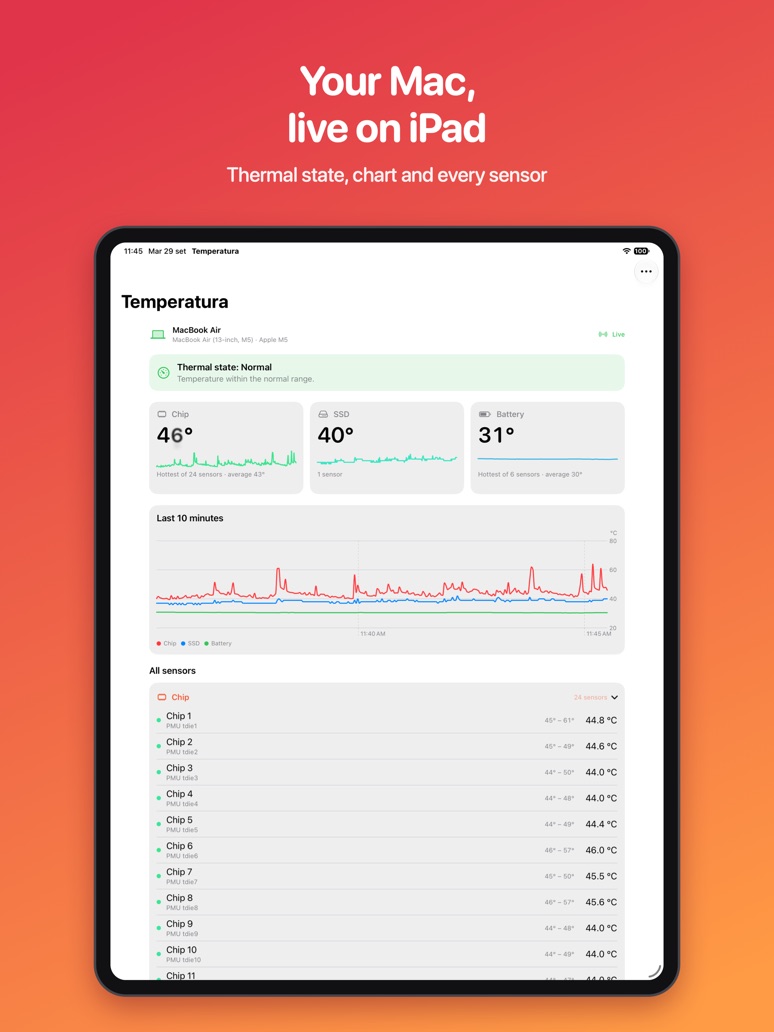
Chip, SSD and battery, the macOS thermal state and a chart of the last 10 minutes: on the Mac, in the menu bar too, and on iPhone and iPad, on the same Wi‑Fi network or, with iCloud, away from home as well.
Free on the App StoreFor Macs with Apple silicon and macOS 15 or later · iPhone and iPad with iOS or iPadOS 18 or later
On the Mac
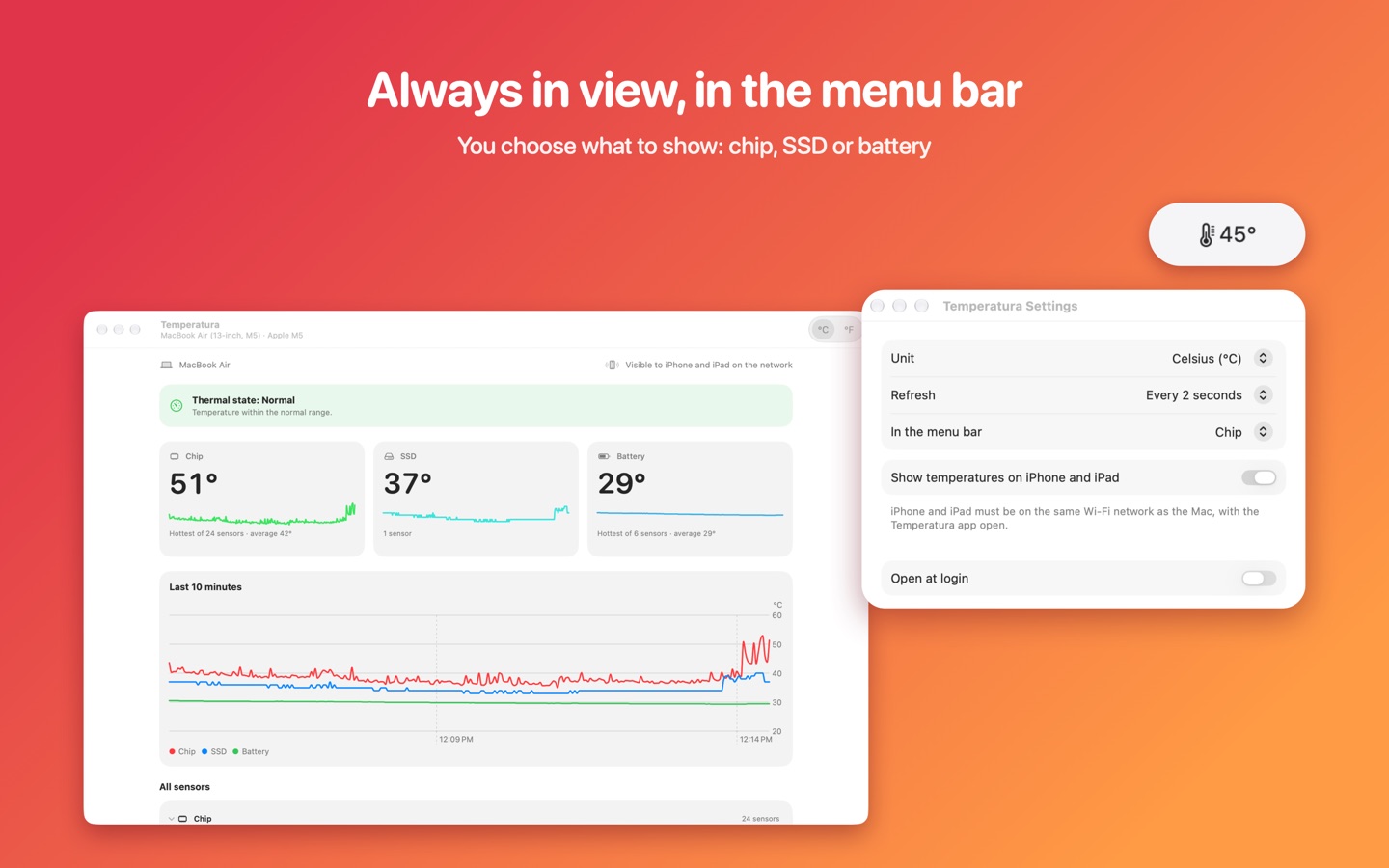
A window with every reading, and the temperature always in view in the menu bar.
On iPhone and iPad
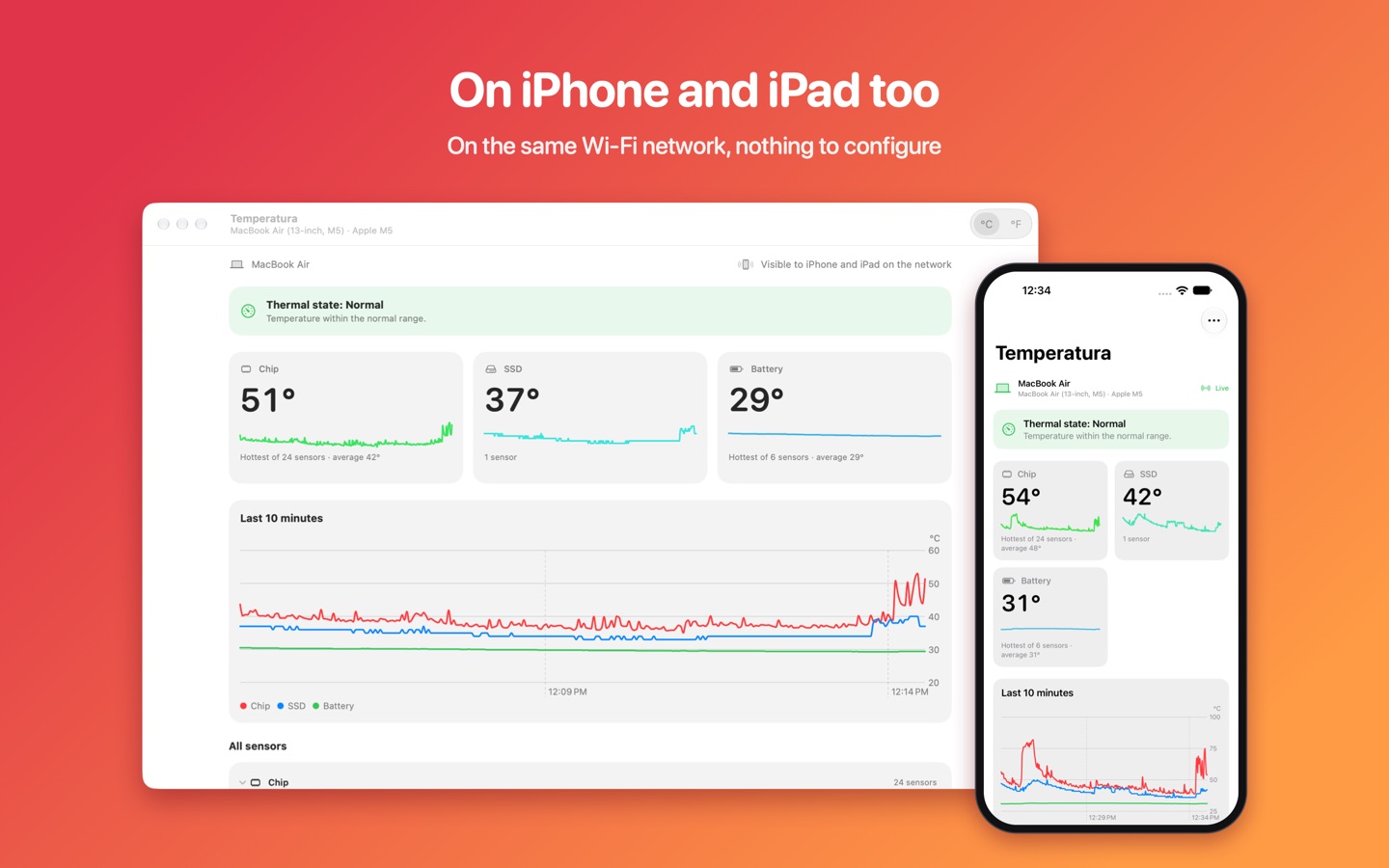
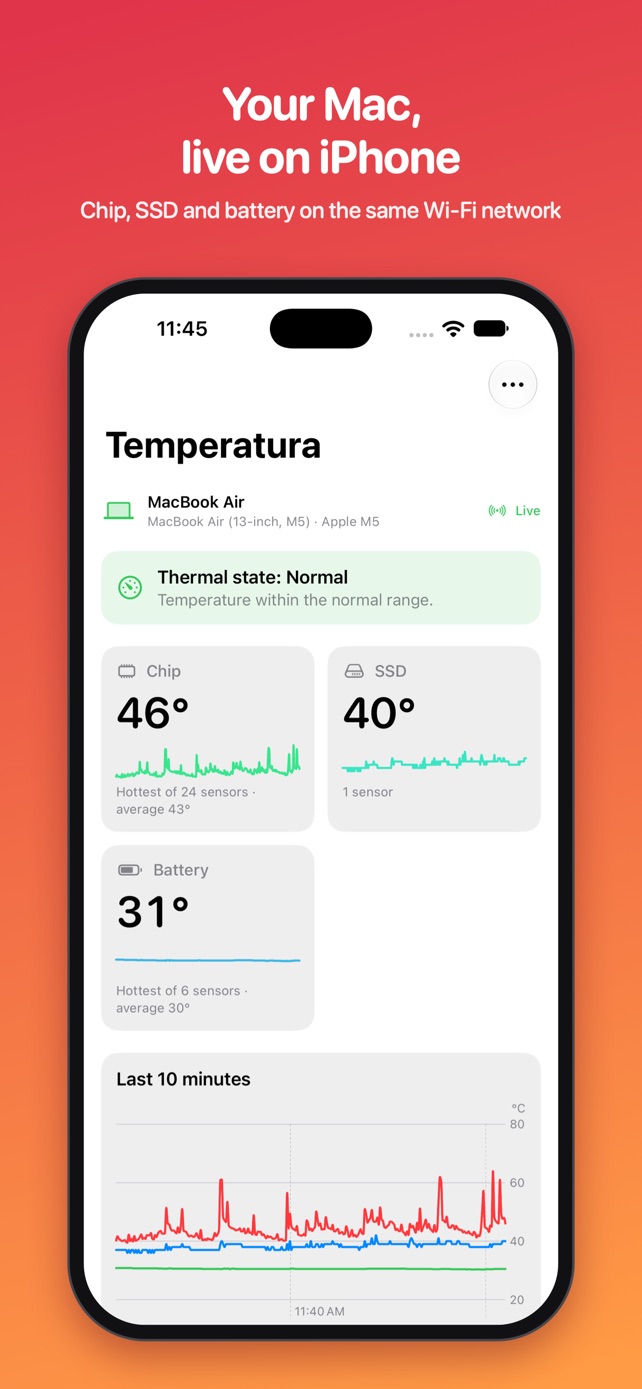
The Mac shows up by itself, with no account and nothing to configure. Away from home you see it through iCloud, and you can be alerted if it runs hot.
What it does
-
Every readable sensor
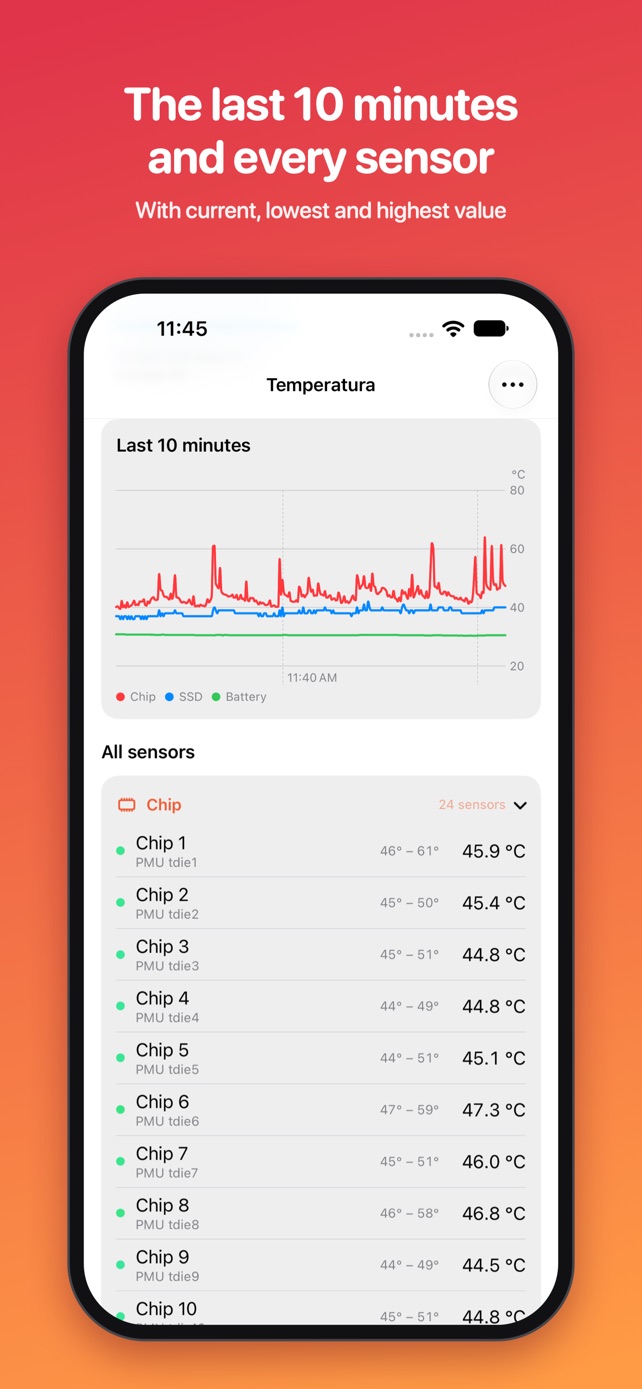
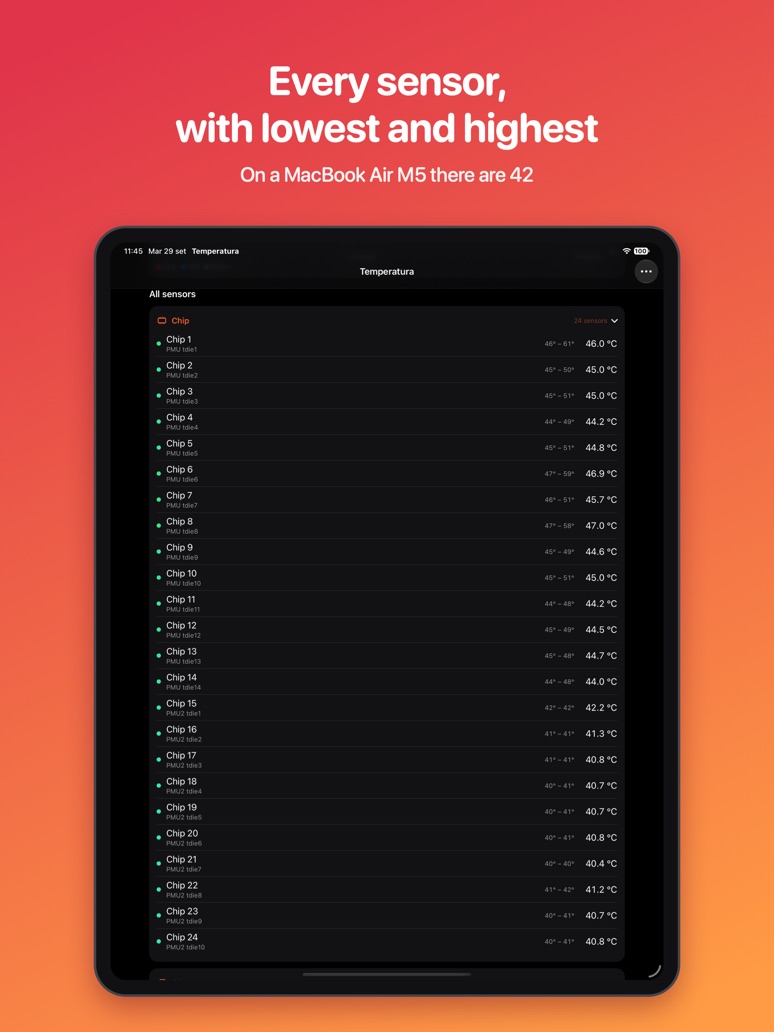
Chip, SSD, battery and internal sensors: on a MacBook Air M5 there are 42, each with its current, lowest and highest value.
-
The macOS thermal state
Normal, elevated, serious or critical: you know at once whether the Mac is slowing down to cool off.
-
The last 10 minutes
A chart to see the heat rise and fall while you work, play or export a video.
-
In the menu bar
The temperature always in view and a summary one click away, even with the window closed.
-
On iPhone and iPad
On the same Wi‑Fi network you see the same screens as on the Mac, updated live.
-
Away from home too
With iCloud, iPhone and iPad show the Mac’s latest update, about once a minute. The data stays in your iCloud.
-
An alert if the Mac runs hot
A notification on iPhone and iPad as soon as the thermal state is no longer normal, even from afar. Only if you turn it on.
-
No data collected
No account and no tracking: the temperatures stay on your devices and in your iCloud.
-
In six languages
English, Italian, Spanish, French, Portuguese and German, following your device’s language.
How hot should a Mac get?
Normal temperatures, what the thermal state is, the fanless MacBook Air and good habits: read the guide.
Support
For questions, problems or suggestions write to info@psaico.it. If you can, tell us your Mac model and macOS version.
Frequently asked questions
My iPhone or iPad cannot find the Mac.
Check that:
- the Mac and the device are on the same Wi‑Fi network;
- Temperatura Monitor is open on the Mac (even just in the menu bar);
- on the Mac, in Temperatura › Settings, "Show temperatures on iPhone and iPad" is on;
- on iPhone or iPad, in Settings › Privacy & Security › Local Network, "Temperatura" is on.
Some guest, corporate or public networks block communication between devices: there the direct connection is not possible, but with iCloud (see below) you still see the Mac's latest update.
Can I see the temperatures away from home?
Yes, from version 1.1.0. On the Mac, leave "Show the Mac away from home too, with iCloud" on (Temperatura › Settings). iPhone and iPad signed in with the same Apple Account show the Mac's latest update, which arrives about once a minute, when they are not on the same network. The Mac must be on, not asleep, with Temperatura open and connected to the internet. On the same Wi‑Fi network the direct, real-time connection is still used.
How do I get an alert when the Mac runs hot?
On iPhone or iPad, in the Options menu, turn on "Alert me if the Mac runs hot" and allow notifications. As soon as the Mac's thermal state is no longer normal (elevated, serious or critical) you get a notification, even away from home. The iCloud option must be on on the Mac. Alerts are at least 10 minutes apart.
Which languages is the App in?
Italian, English, Spanish, French, Portuguese (Brazil) and German. It follows the device language; if your Mac and iPhone use different languages, each shows its own.
Why don't I see separate CPU and GPU temperatures?
On Macs with M2 and later chips, macOS does not make the sensors of the individual cores available to App Store apps. The App shows the chip sensors, which follow the trend well but can read a few degrees below the hottest spot. On M1 Macs, CPU and GPU appear separately.
What is the "thermal state"?
It is macOS's own assessment of how hot the Mac is: normal, elevated, serious, critical. From "serious" upwards the Mac may slow down to cool off. More in our guide to Mac temperatures.
Does the App make the Mac hotter?
No. Reading the sensors uses very few resources: usually under 3% of one core, even with the window open.
Which Macs are supported?
Macs with Apple silicon and macOS 15 or later; iPhone and iPad with iOS or iPadOS 18 or later.